
Quick Tip – How to Create Patterns in Photoshop
We can see many of default Pattern Image in Photoshop but we can also define Pattern Image as we like. Today we are going to define new Pattern Image in Photoshop. Just go for only three – four easy steps and you can get your Pattern Image as you like. So...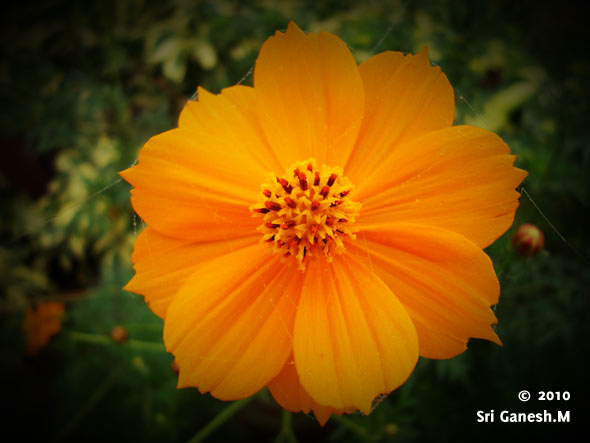
Quick Tip: Create Vignette Photo Effect in Photoshop in 2 steps
In this tutorial we are going to learn how to create Vignette photo effect in Photoshop in just 2 steps. we wrote tutorial on Creating a vintage effect in 2 steps in our last post. And it was popular among readers, so here our post on photo effect in Photoshop in just...
QUICK TIP: CREATE HIGHLIGHT FOR YOUR BUTTONS/NAVIGATION BAR
Introduction In this quick tip we are going to see how to create a highlight for the buttons or navigation bar which you have created. Step 1 Create a button or navigation bar as you wish. This is the navigation bar I have created. Step 2 Now take soft brush of size...
Tutorial: How to create electric beams in Photoshop
In this tutorial we are going to see how to create electric beams in Photoshop from scratch. These electric beams will be very much useful in creating any music or party posters like this one. Preview You might like our basic photoshop tutorial “Create Vignette...
Tutorial:Create a stone textured text effect in photoshop
In this tutorial we are going to see how to create a stone textured text. Using this you can not only create text effects but also do a lot of creative stuff if you put in some more innovation. Here is the final output Final Output Step 1: Open the Document Open a...Get Creative & Learn Skills



Advertisement

