
![[update]Giveaway: Vector Mega Packs Worth 1000 USD](https://animhut.com//wp-content/uploads/2010/07/Thumb_MegapackD.jpg)
[update]Giveaway: Vector Mega Packs Worth 1000 USD
Update : Winners are ! 1. Design Buzz 2. billy 3. Prathik They will contact you through email . We always love to Giveaway for our Readers. This time we are providing our readers a massive vector pack worth 1000 USD – Thanks to Adriana from Designious. They have come...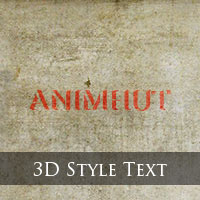
Quick Tip: How to create a different style 3D text in Photoshop
We might have seen lot of tutorials about creating 3d text in different ways, but in this tutorial we are going to see completely a new breed of 3d text in which only the depths of the 3d text is visible but still you can read the text. These kinds of 3d text effects...
Quick Tip – How to Create Patterns in Photoshop
We can see many of default Pattern Image in Photoshop but we can also define Pattern Image as we like. Today we are going to define new Pattern Image in Photoshop. Just go for only three – four easy steps and you can get your Pattern Image as you like. So...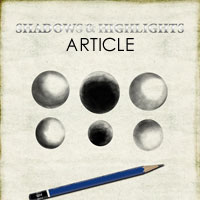
Articles: Shadows and Highlights in Photoshop
Shadows and highlights play a very important role in designing. They help to produce 3d effect in 2d designing software. Shadows and highlights define the depth of an object created which gives the 3d effect. Shadows are the dark portions or the portions where there...
Get Creative & Learn Skills


Advertisement

