
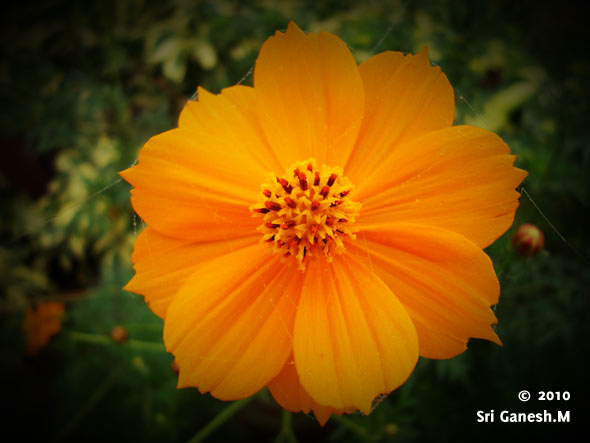

QUICK TIP: CREATE HIGHLIGHT FOR YOUR BUTTONS/NAVIGATION BAR
Introduction In this quick tip we are going to see how to create a highlight for the buttons or navigation bar which you have created. Step 1 Create a button or navigation bar as you wish. This is the navigation bar I have created. Step 2 Now take soft brush of size...
Tutorial: How to create electric beams in Photoshop
In this tutorial we are going to see how to create electric beams in Photoshop from scratch. These electric beams will be very much useful in creating any music or party posters like this one. Preview You might like our basic photoshop tutorial “Create Vignette...
Tutorial:Create a stone textured text effect in photoshop
In this tutorial we are going to see how to create a stone textured text. Using this you can not only create text effects but also do a lot of creative stuff if you put in some more innovation. Here is the final output Final Output Step 1: Open the Document Open a...
Quick-tip: Create a Vintage effect in 2 Steps
Every one like to change modern images into old photo effects, there are few names mentioned them- one is Vintage photo effect. Today we are going to learn vintage effect in just two steps. From our last post on quick tip has given a great success and so we try our...
Get Creative & Learn Skills


Advertisement

